Billing Your Clients
At the end of a month (or billing period - with The Traffic C.O.P. for Windows, you can have as many billing periods as you wish - and the computer will keep everything straight for you) you will want to print out your invoices or affidavits.
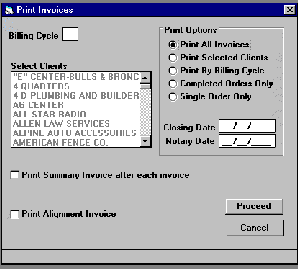 Notice in the "Print
Option" box, you can
Print all invoices, Print Selected Clients, Print by Billing
Cycle, Print Completed Orders Only, or Print a Single
Order.
Notice in the "Print
Option" box, you can
Print all invoices, Print Selected Clients, Print by Billing
Cycle, Print Completed Orders Only, or Print a Single
Order.
If you remember from the client screen, there was a billing cycle field. If you select this option, the invoice program will gather up all of the clients with the same billing cycle and print only those clients.
Whatever option you select, you would enter the closing date of the invoices and then click on proceed.
The printed invoices look like
this: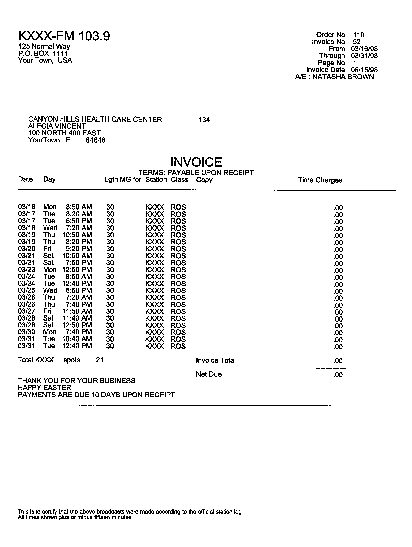
When the invoices have completed printing, you hold them for examination, and then you have the option to:
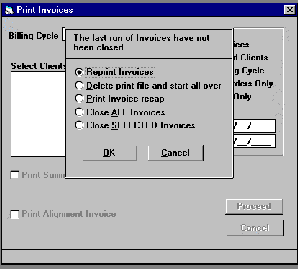
either reprint the invoices, Delete the print file and start all over, Print a recap, Close all invoices or close selected invoices.